The Touring Buddy App by Caravan Adventuring

The Touring Buddy app puts Ask Ellie, campsite booking requests and My Adventures in your pocket. It’s free, and it’s built for caravan, motorhome and campervan owners.

Coming Soon

Caravan Adventuring built the Touring Buddy app for Android and iPhone. First, it’s coming to Google Play, and Android testing is open now. After that, it’s coming to the App Store for iPhone.

Help Test Touring Buddy on Android

Before a new app goes live, Google needs at least 12 testers to keep it for 14 days in a row. Then Google reviews the app. So every tester helps the Touring Buddy app reach Google Play sooner.

1. Join the Tester Group

First, join the Touring Buddy tester group on Google Groups. It’s free and only takes a moment.

2. Join the Test

Next, open the Google Play test page. Tap to join the test, then download Touring Buddy.

3. Keep It for 2 Weeks

Finally, leave the app on your phone for at least 2 weeks. You don’t need to open it or register.

Important: use the same Google account to join the group and the test. Otherwise, Google Play won’t let you in. Testing is for Android phones only for now.

What the Touring Buddy App Does

Ask Ellie and Find Campsites

Ellie, the Caravan Adventuring assistant, comes with you on the road. Ask about campsites and touring, and every campsite she finds appears as a card.

  • Follow-up questions: Ellie remembers earlier questions, so you can ask more.
  • Trip Planner: plan a tour or a base trip from a start date, then save it.
  • Find: search by campsite, town or county, as a list or on a map.
  • Near me: see campsites close to where you are.
  • Campsite pages: facilities, review scores, videos, weather, directions, things nearby and holiday costs.
  • Saved campsites: tap the heart, and the same list appears on the website.
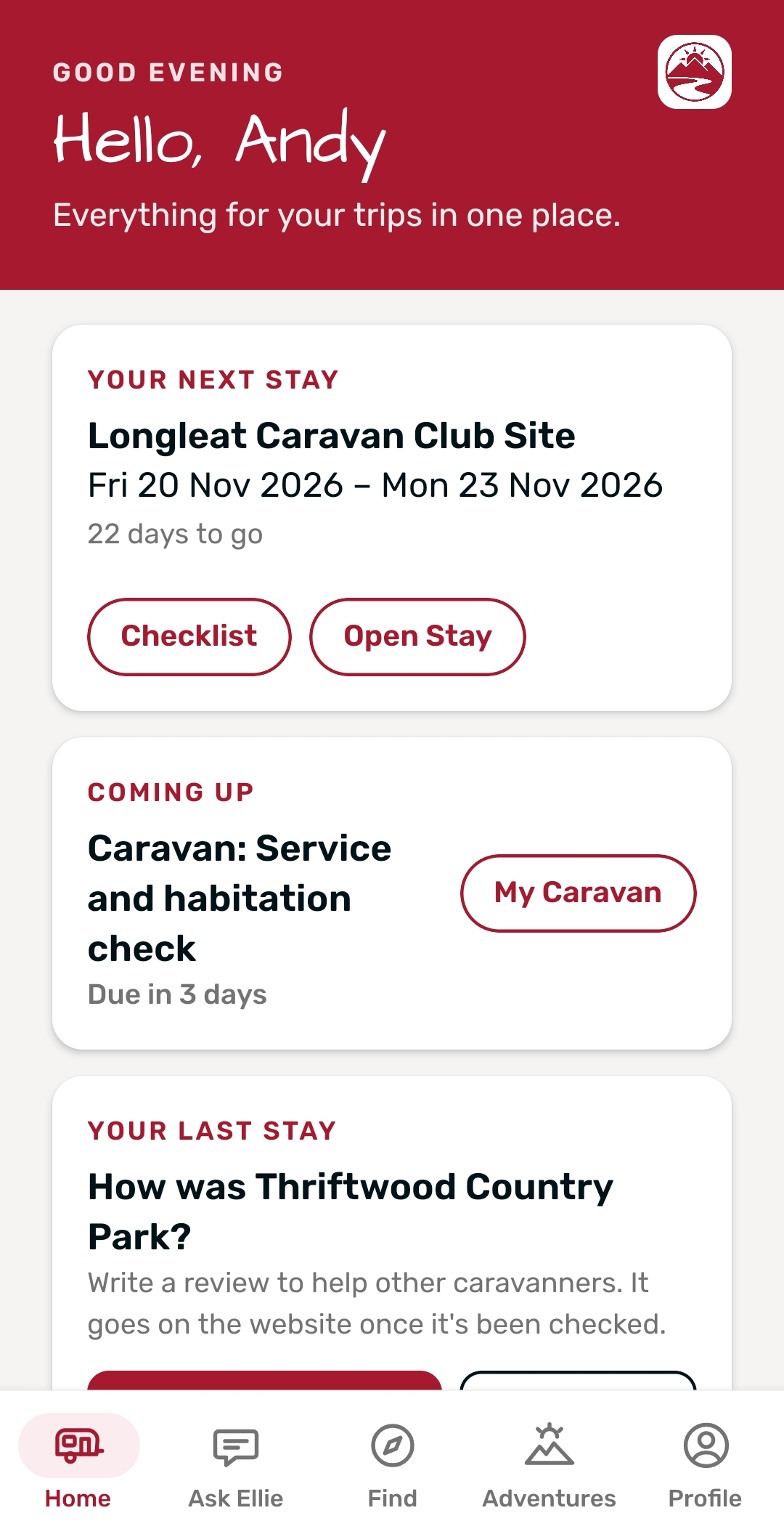
Touring Buddy app – home screen with the next stay and Ask Ellie
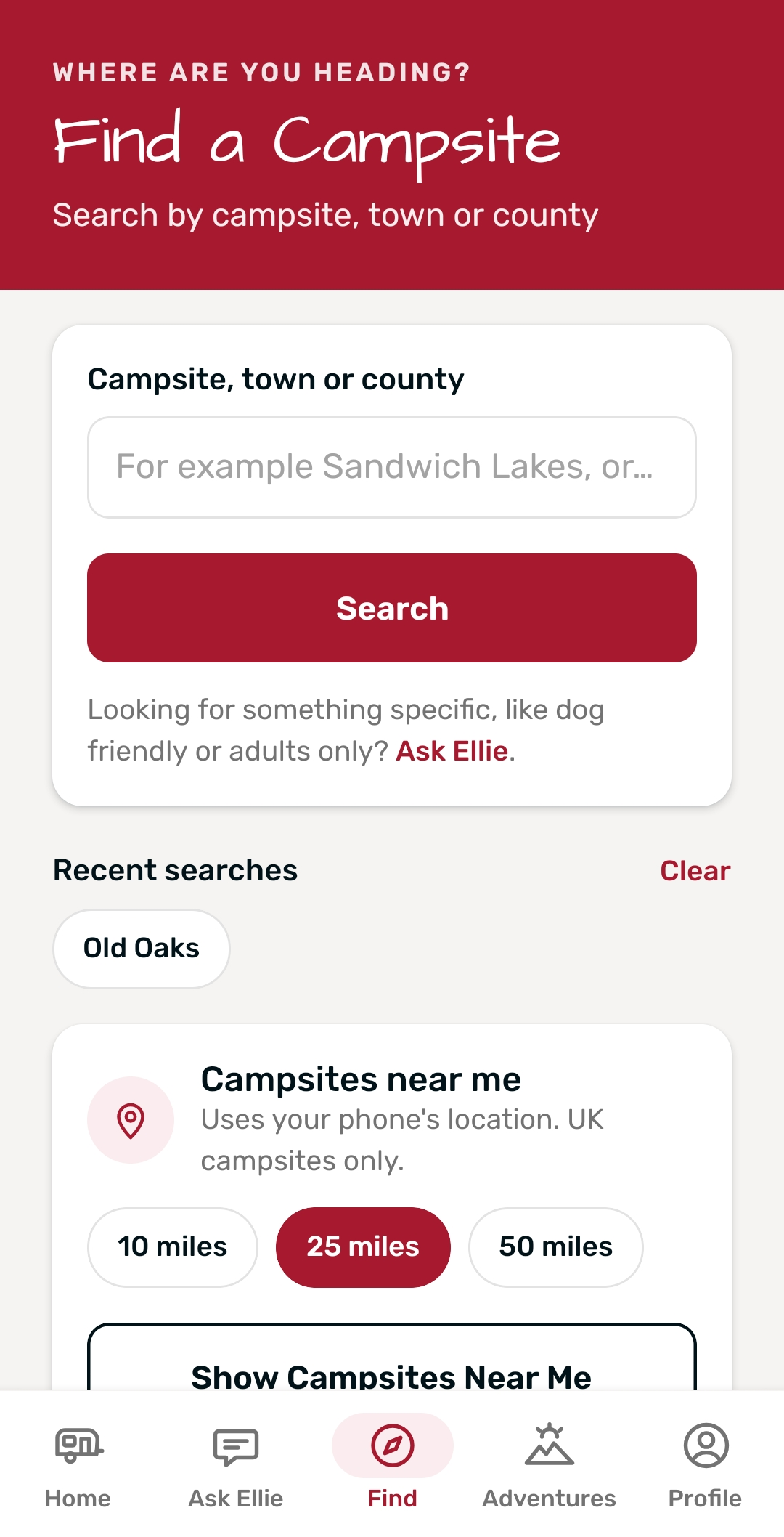
Touring Buddy app – Find screen for searching campsites by name, town or county
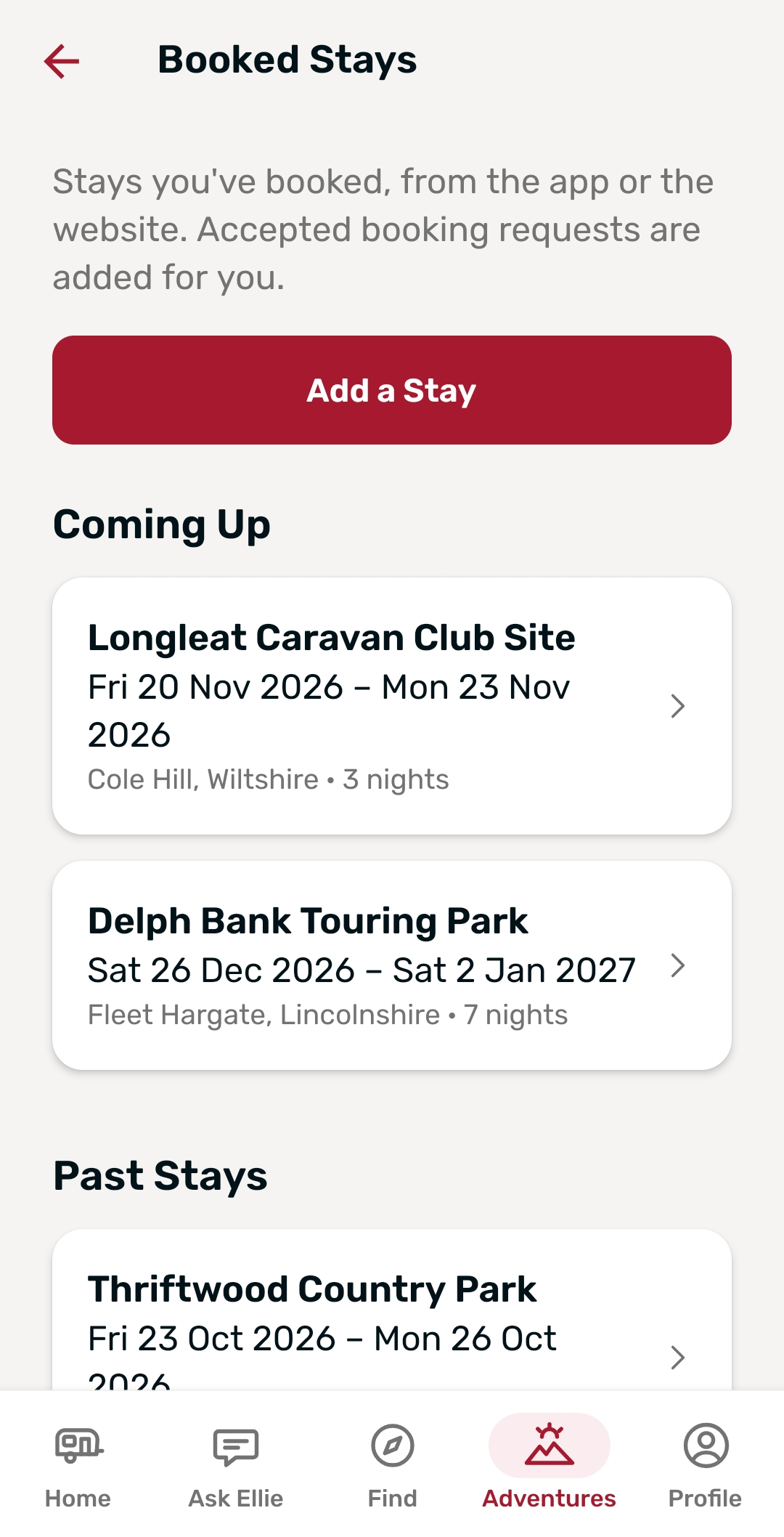
Touring Buddy app – Booked Stays with booking references and notes

Request to Book

Some campsites take booking requests through Caravan Adventuring. So you can ask for your dates without leaving the app.

  • Send a request: pick dates on a calendar, then add your unit, pitch, people, dogs and a message.
  • Booking Requests: see every request from the app or the website, with its status and the reply.
  • Changes: change a request while it’s waiting, or cancel a request or a stay.

My Adventures in Your Pocket

My Adventures is the free planning space that comes with a Caravan Adventuring account. In the app, it goes everywhere you do.

  • Next stay: days to go, quick links and the weather from two days before you arrive.
  • Booked Stays: add, change and delete stays, with booking references, notes and what you paid.
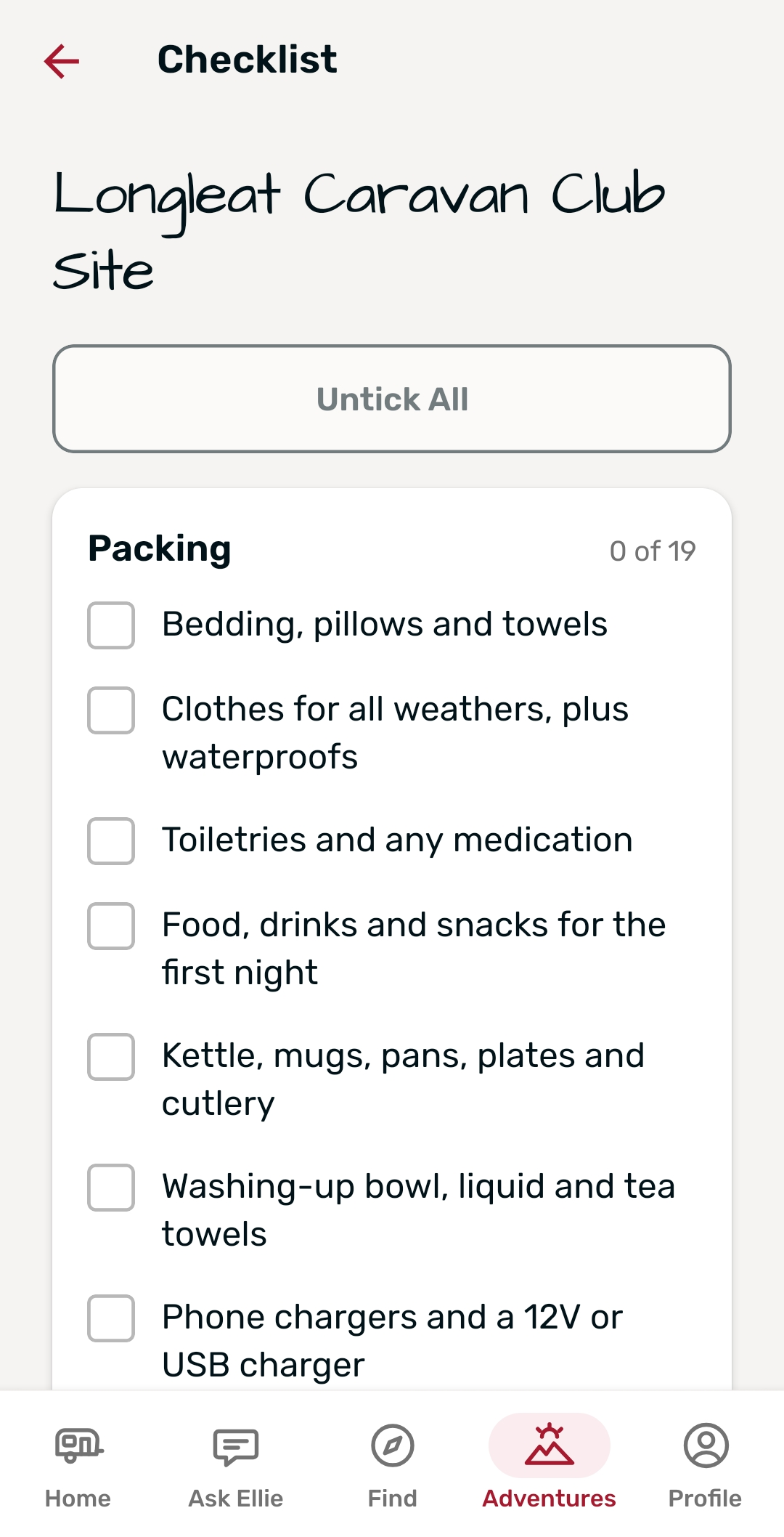
  • Checklists: tick items off for each coming stay. They’re the same lists as the website.
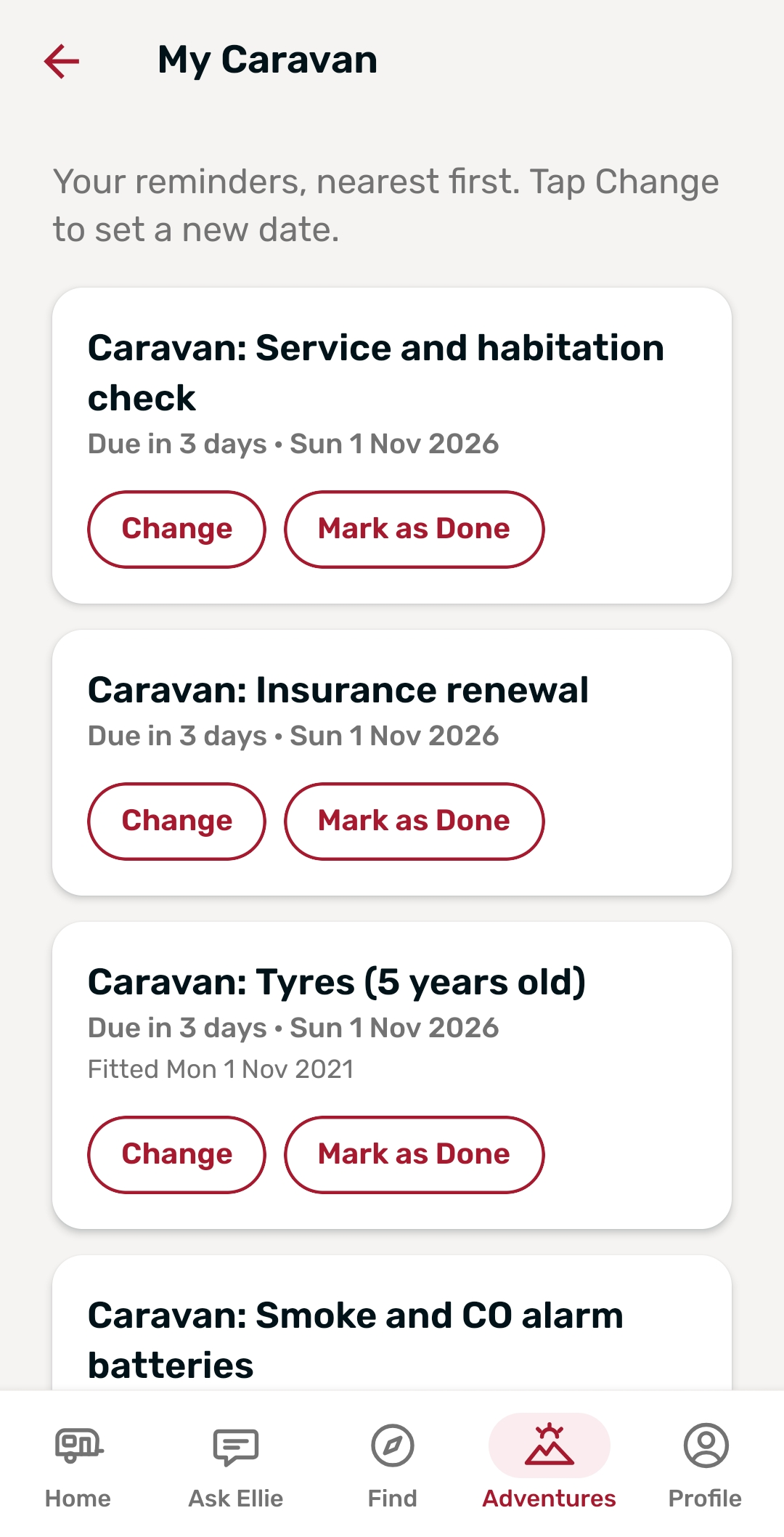
  • My Caravan: service, MOT, insurance and tyre dates, with reminders.
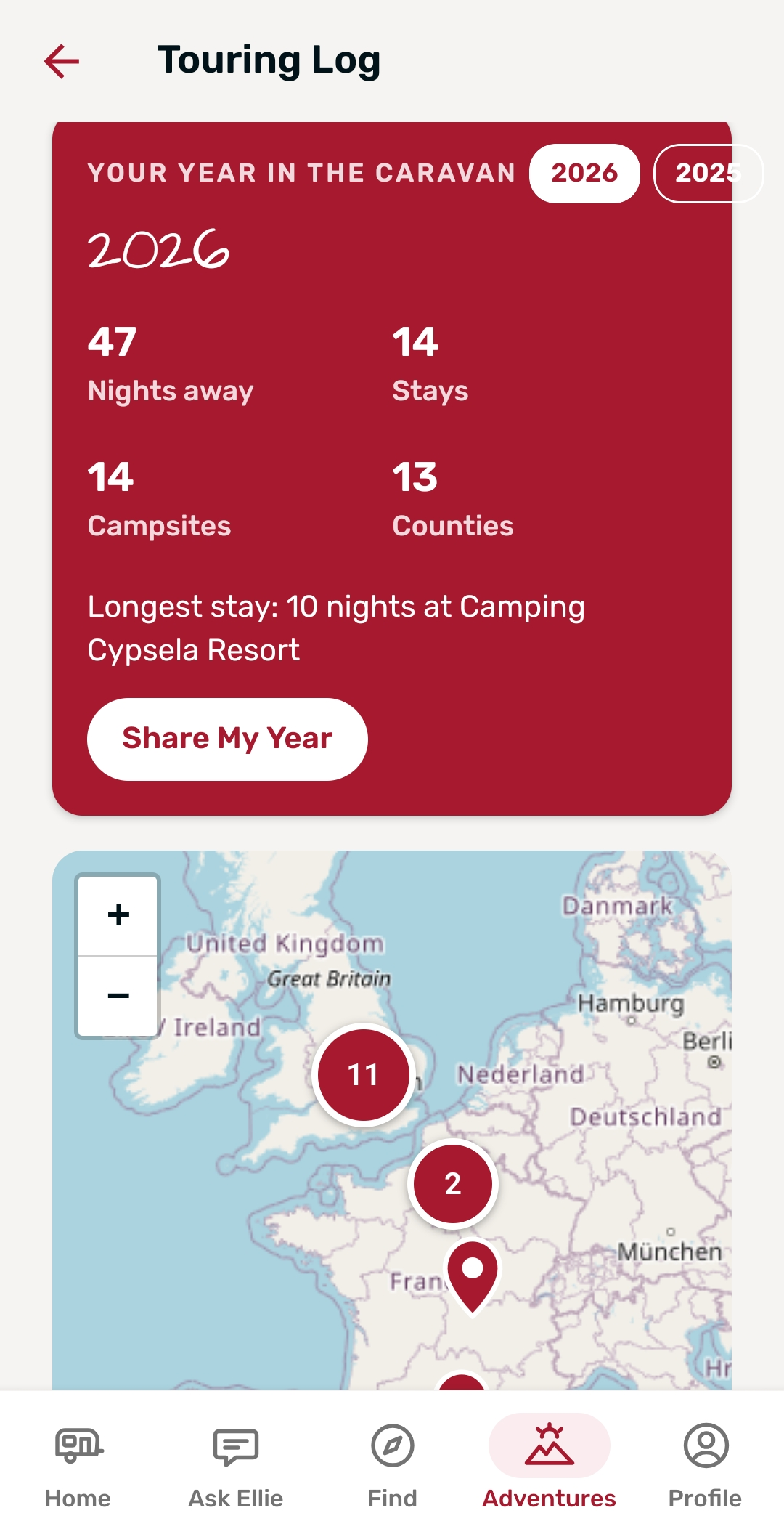
  • Touring Log: totals, spending, a map of every stay and your year in review.
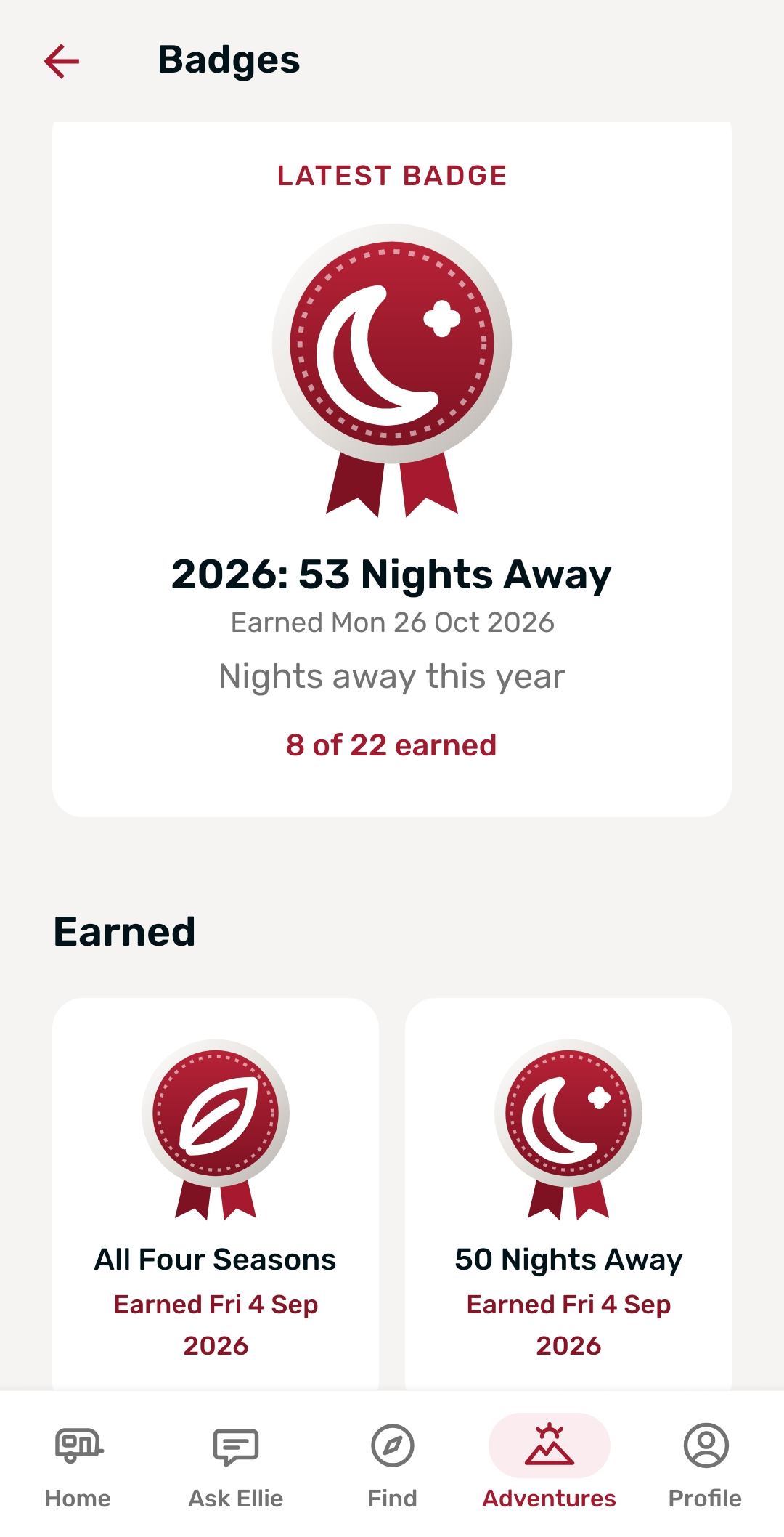
  • Badges: see the badges you’ve earned, and the ones still to earn.
  • Sharing: see stays and trips other members share with you, and invite friends.
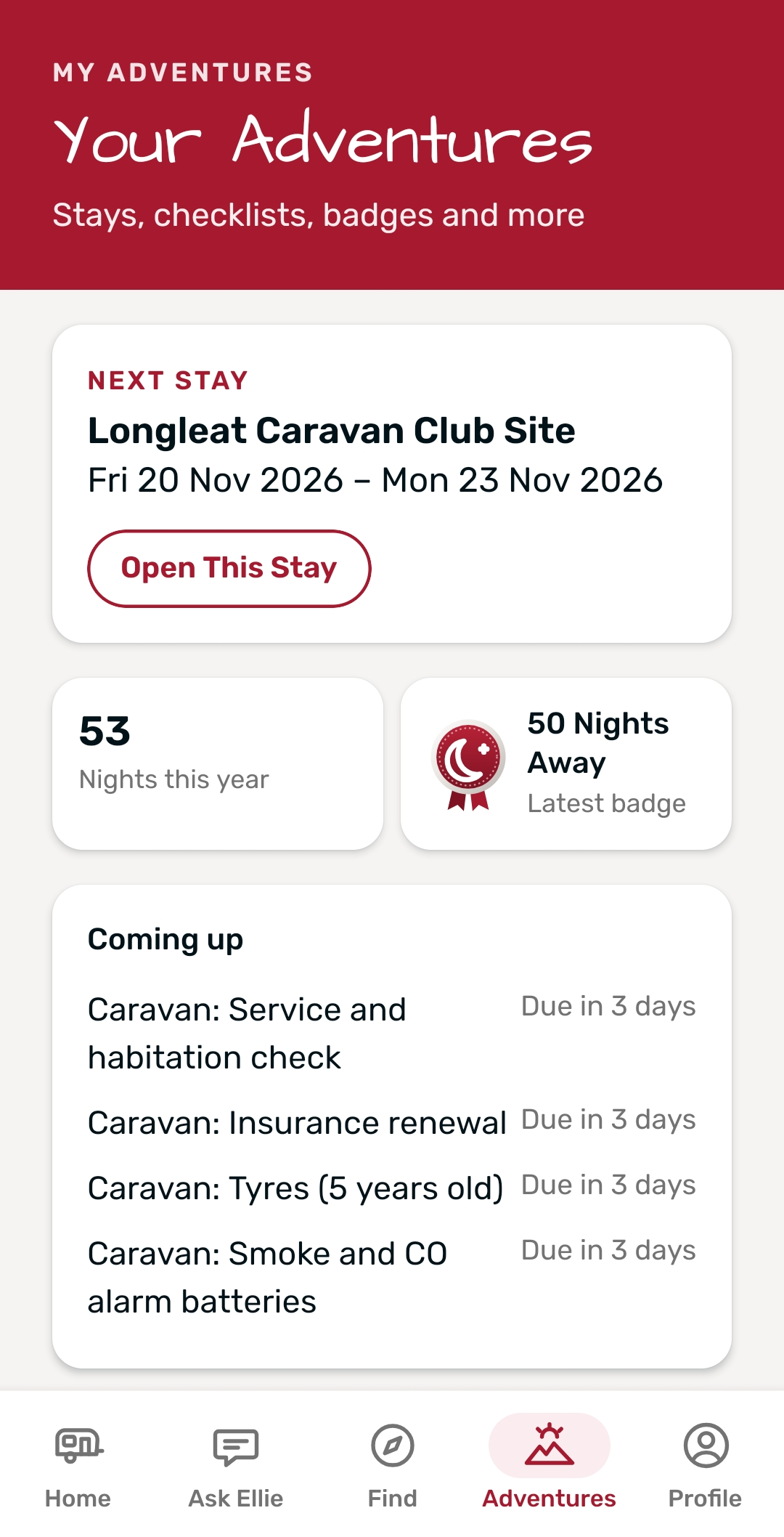
Touring Buddy app – Adventures screen with the next stay and quick links
Touring Buddy app – My Caravan screen with service, MOT and insurance reminders
Touring Buddy app – checklist for a coming stay
Touring Buddy app – Touring Log with totals and a map of every stay
Touring Buddy app – badges earned and still to earn

Creators and Phone Extras

Creators

The Creator Hub sits on the home screen. Each creator has a page with their intro, links and latest YouTube videos, played inside the app.

Phone Alerts

Get alerts for booking replies, stays, trips, My Caravan reminders and badges. Switch each one on or off in your profile.

Check In

When you arrive, tap Check In. Touring Buddy then finds campsites within 3 miles and adds your stay.

Camera

Take or choose photos for campsite reviews, your profile photo and your photo gallery.

Works Without a Signal

Campsites aren’t always in good signal areas. So Touring Buddy keeps a copy of your key details on your phone.

Without a signal, the app still opens logged in. It shows your next stay, booking requests, booked stays and checklists. My Caravan, Touring Log, badges, saved campsites, your profile and the Creator Hub work too. A bar at the top says there’s no signal.

However, Ask Ellie, search, booking, maps, videos and the weather need a connection.

Free, With a Free Account

The Touring Buddy app is free. You just need a free Caravan Adventuring account. Already have one from the website? Then simply log in with it. Otherwise, tap Join Free in the app.

Touring Buddy App FAQs

Caravan Adventuring built the Touring Buddy app for Android and iPhone. However, it isn’t on the App Store yet. Android testing comes first.

Nothing. The app is free, and so is the Caravan Adventuring account you need to use it.

Yes. Log in with your existing Caravan Adventuring account. Your saved campsites, checklists and stays then appear in the app. See what free membership gives you.

No. Just join the tester group, join the test and download the app. Then keep it on your phone for at least 2 weeks.

Usually, it’s because you joined the group and the test with different Google accounts. So use the same account for both.

The app works in portrait on phones. A tablet and landscape layout isn’t available yet.

Prefer the website? Ellie works there too.

Join Caravan Adventuring for Free

Save campsites, plan upcoming stays and meet other tourers in the Community. Joining is free and takes under a minute.