Our free caravan membership puts your campsites, trips and booked stays in one place. Plan with Ellie, work out your costs and meet other tourers. Also, it takes under a minute to join.
Free caravan membership gives you My Adventures, your own private page on Caravan Adventuring. It keeps the campsites you love, the trips you plan and the stays you book together. It also works with Ask Ellie, so everything you find can be saved in one tap.
Members also join the Community, where you can meet other tourers and see where they are heading next. Best of all, free caravan membership costs nothing, and you choose what other people see.
Here is what free caravan membership gives every member from day one.
Members
A countdown to your next trip, your saved campsites, trip plans and booked stays. However, only you can see this page.
Members
Tap the heart on any of our reviews, or Save on any Ellie campsite card. Your list then follows you to every device.
Members
Plan one stay or a whole touring route, with drive times, costs and weather. Then save it and open it again any time.
Members
Work out fuel and pitch costs before you go, and keep up to 20 costings to compare.
Members
Let another member know where you are heading, so you can meet up on site. Your booking details also stay private.
Members
Our earliest members get a Founding Member badge on their profile, while places last.
Founding Member
This short video shows what free caravan membership includes, from My Adventures to planning a trip with Ellie. It takes under a minute and a half.
Below you’ll find step-by-step instructions to help you use every part of your free membership.
Step 1
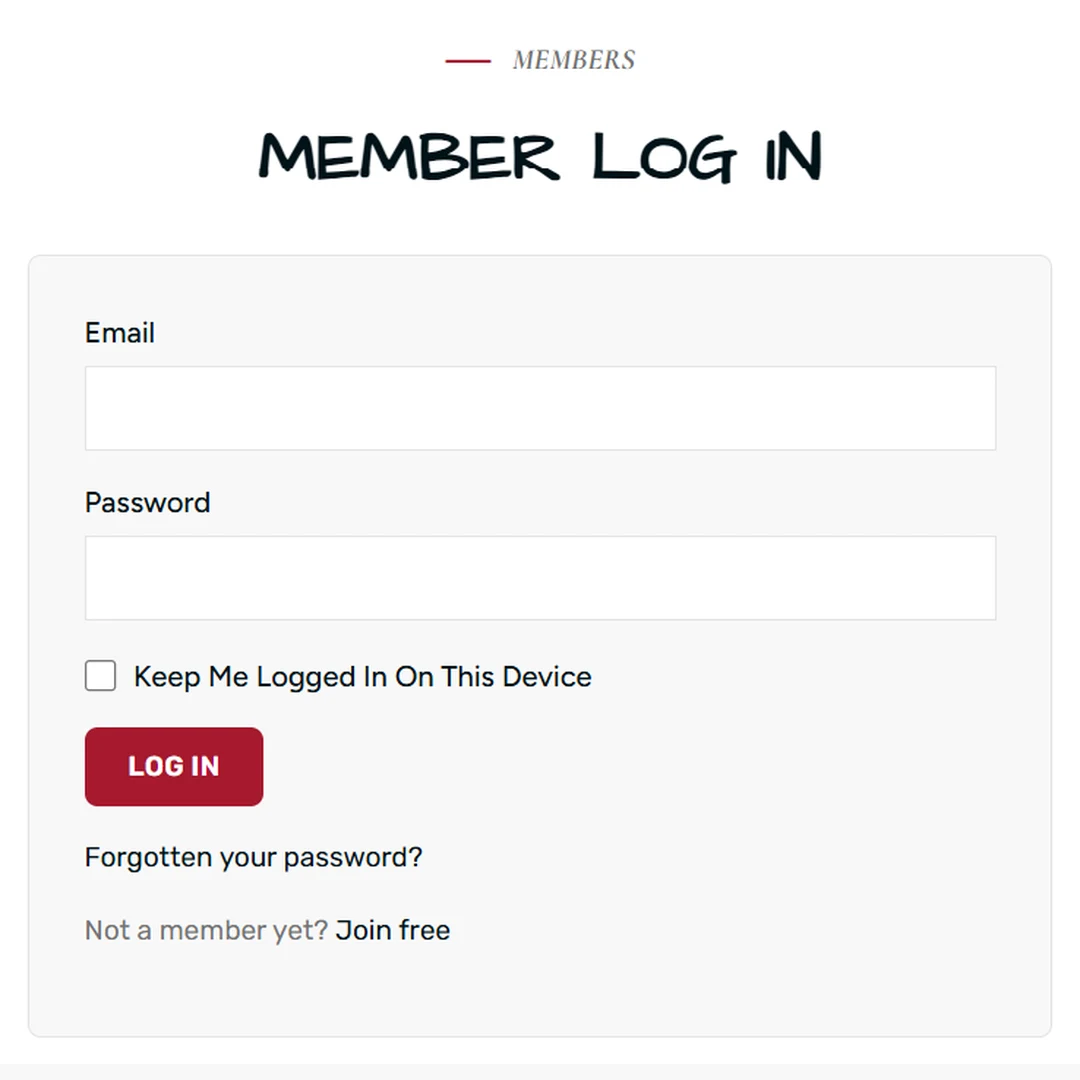
Joining is quick, since you only need an email address.
Once you are logged in, you go straight to My Adventures. Log out at any time with the Log out link at the top.
Step 2
Your profile tells other members a little about your touring. It stays private until you share it.
We check new pictures before anyone else sees them. However, you can see them straight away.
Step 3
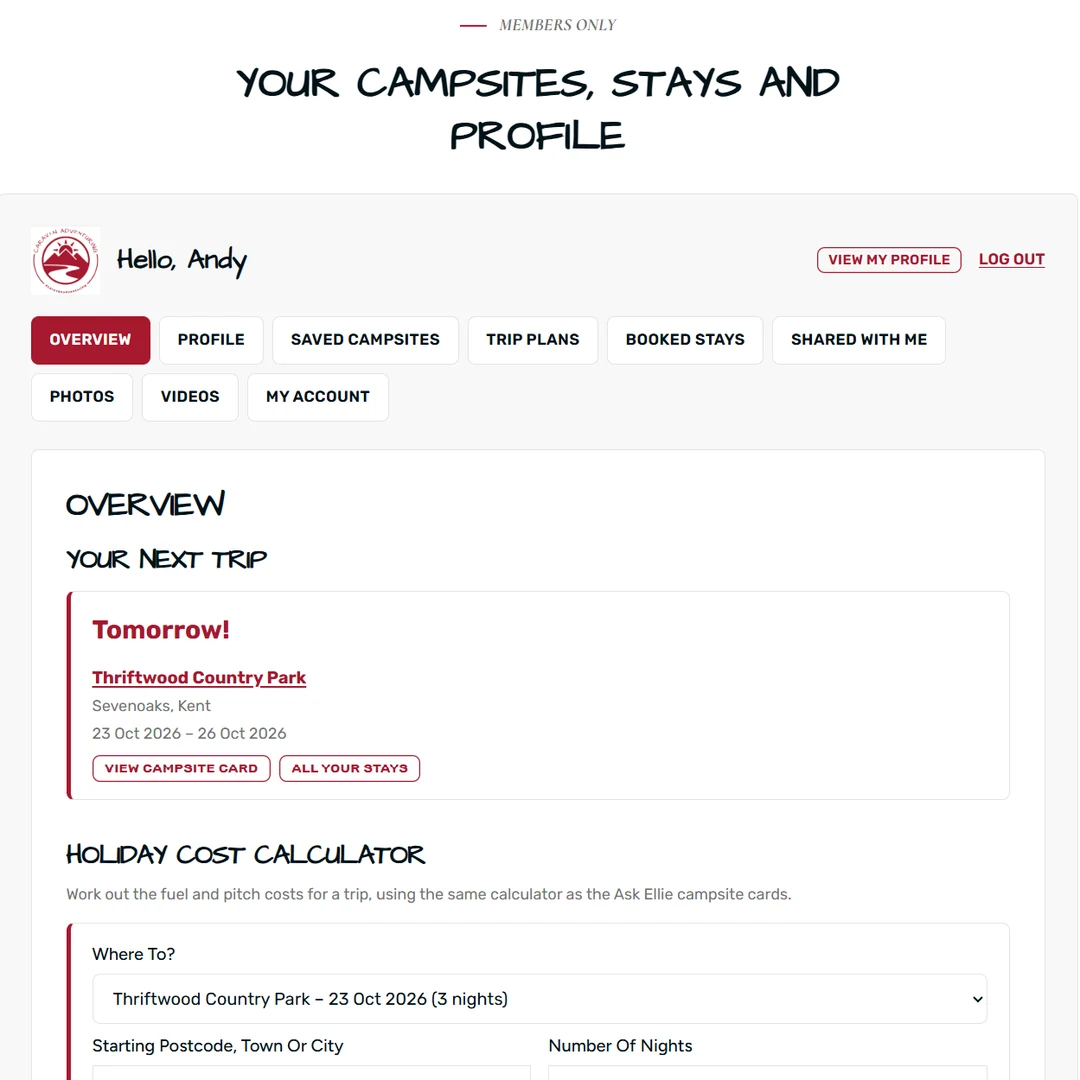
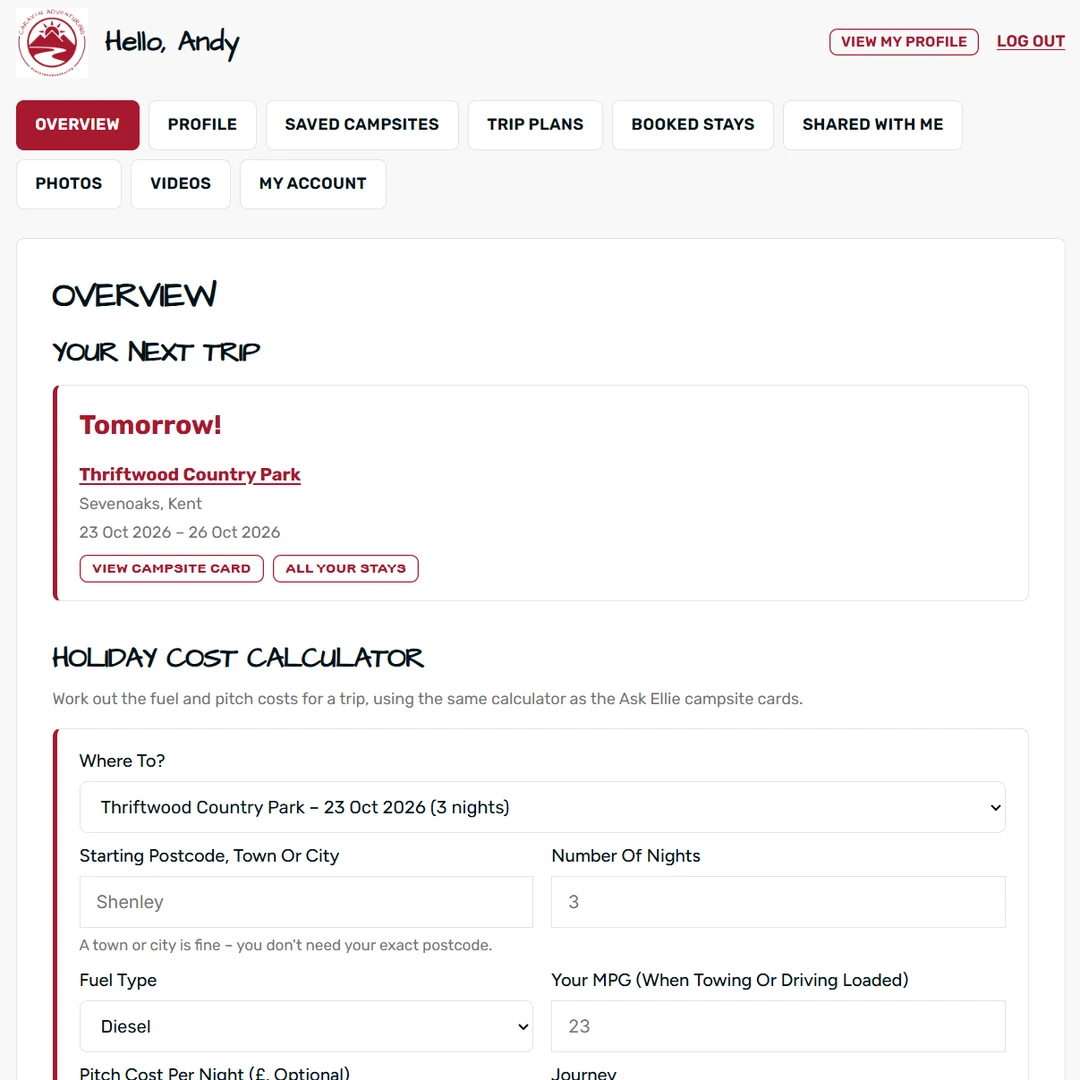
My Adventures opens on your Overview. It shows the most useful things first:
The tabs along the top then take you to everything else. These are Profile, Saved Campsites, Trip Plans, Booked Stays, Shared with me, Photos, Videos and My Account. On a phone, the tabs simply wrap onto more lines.

Step 4
There are two ways to save a campsite, and both go to the same place.
Because your saves are kept on your account, they appear on your phone, tablet and computer.

Step 5
Ellie’s trip planner works out the drives, costs and weather for you.
From Trip Plans you can open a trip in Ellie again or share it with a member. You can also add each stop to your Booked Stays.
Step 6
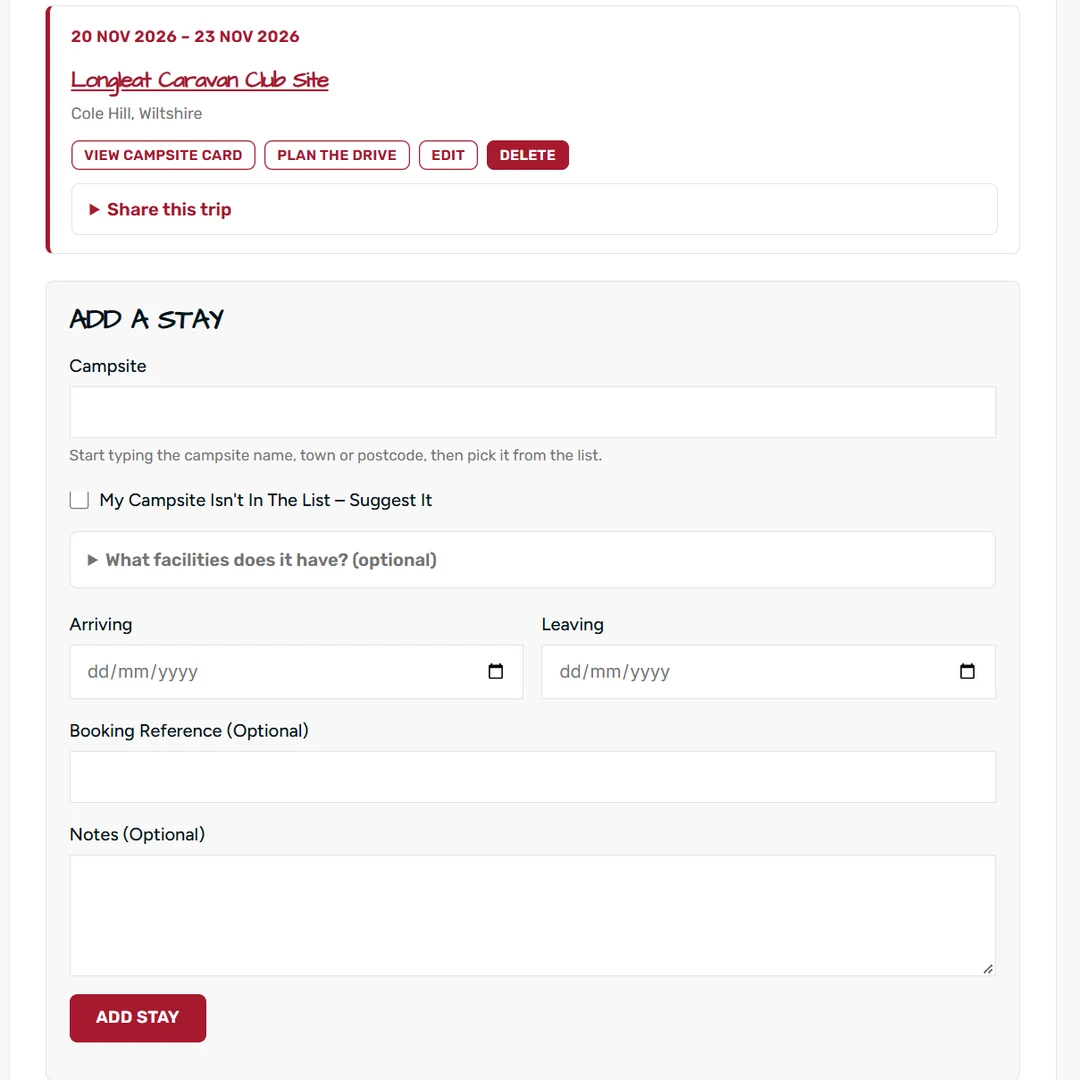
Booked Stays keeps every booking in one list, with the soonest at the top.
Is the campsite missing? Tick My campsite isn’t in the list – suggest it. We check it and add it to Ellie, so other tourers can find it too. Each stay also has Plan the drive, which opens it in Ellie’s trip planner.

Step 7
Sharing a trip lets a friend know where you will be. However, both of you need to have shared your profiles first.
They then see the campsite, dates and your note in their Shared with me tab. However, your booking reference, notes and starting place are never shared. You can also remove, block or report anything shared with you. If you would rather not receive trips, tick Don’t let other members share trips with me in your profile.

Step 8
The Holiday Cost Calculator sits on your Overview and uses the same sums as Ellie.
Then you will see the distance, fuel, pitch cost and total. Press Save this costing to keep it, or Start again to clear the form. Your starting place, fuel and MPG are also remembered for next time.

Step 9
Show other members your favourite pitches and places.
Each one shows Waiting for approval until we have checked it. After that, members can see it on your profile, as long as you share your profile. Please only share your own photos, and don’t show other people without their permission.
Step 10
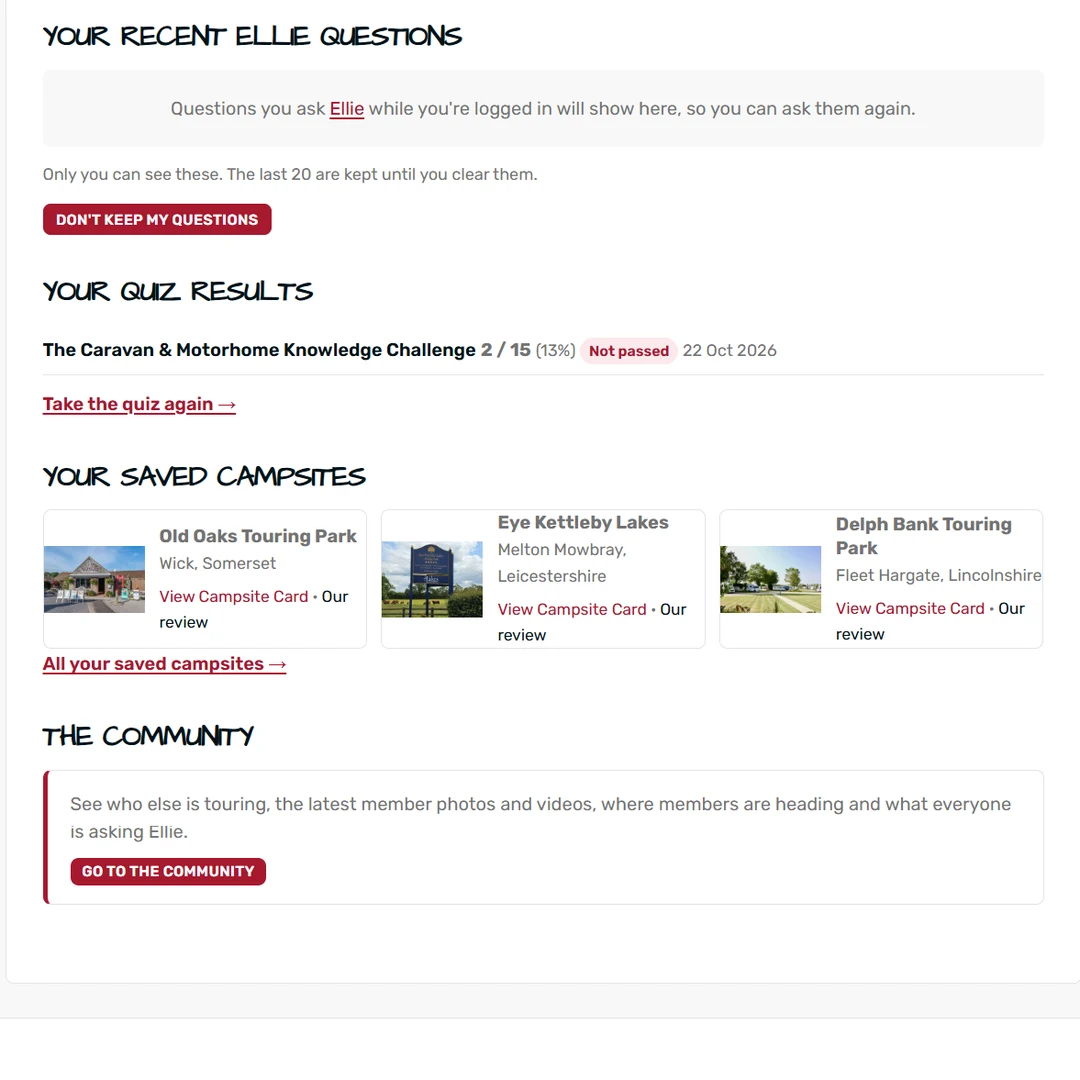
Two handy lists sit on your Overview.
However, only you can see these lists. So, take the quiz while logged in and see how your score improves.

Step 11
The Community page is where members meet. As a member you can see:
Tap View Campsite Card on any campsite to open its full card in place. You can even choose which sections you see with Customise what I see.
Step 12
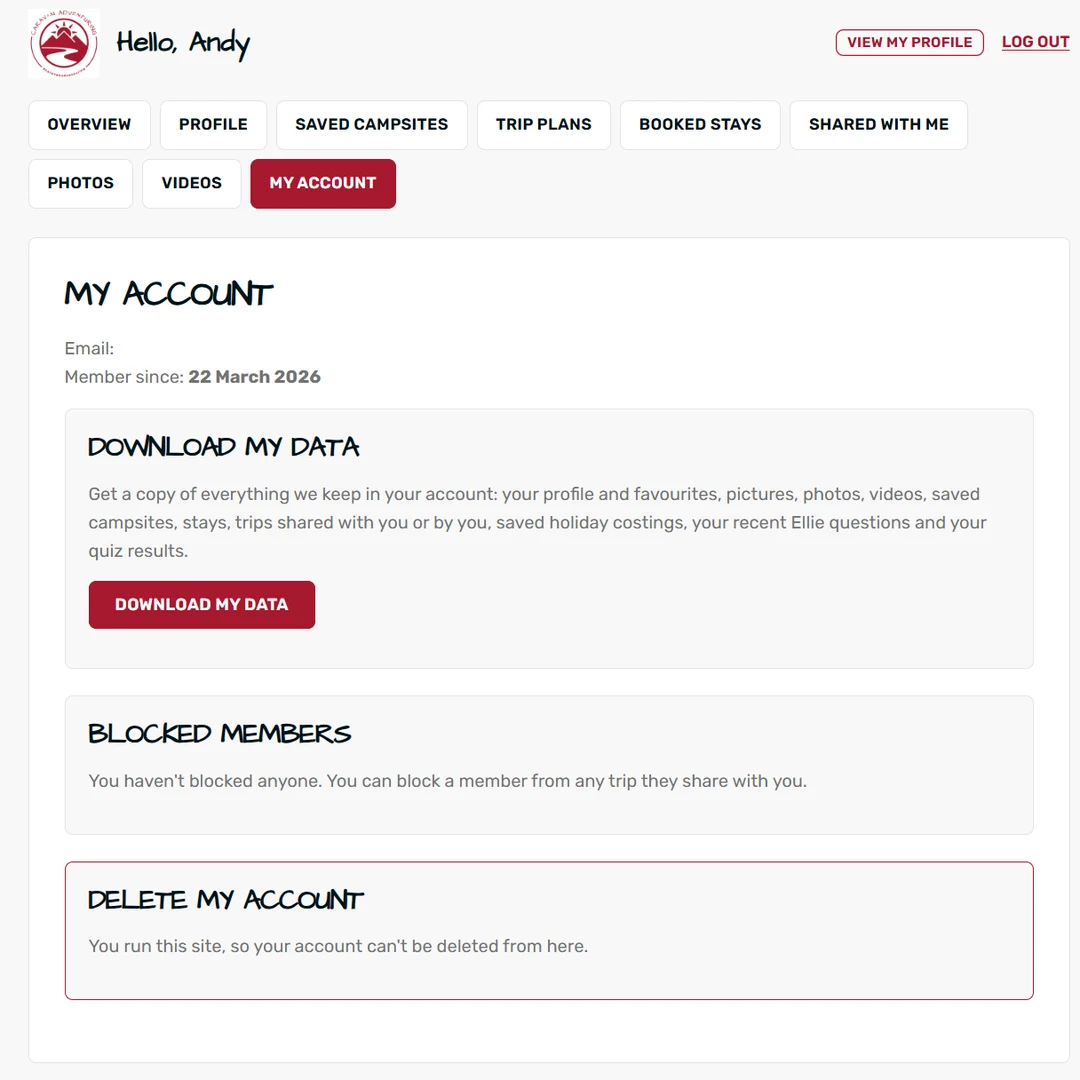
You stay in control of your account.
The ICO explains your right to have your data deleted. Our Privacy Policy has the details.

Ask Ellie is our campsite assistant. Anyone can ask Ellie a question. However, free caravan membership adds extra features that make planning much easier.
In general, Ellie works best with short, clear questions. If nothing matches every detail, she shows the closest matches and tells you what is not recorded. Here are some ideas to try:
Ask Ellie
You can ask about a place, a facility or a type of site. Try “dog friendly sites in Norfolk” or “campsites within 2 hours of Leeds”. Follow-ups such as “is it dog friendly?” work too.
Ask Ellie
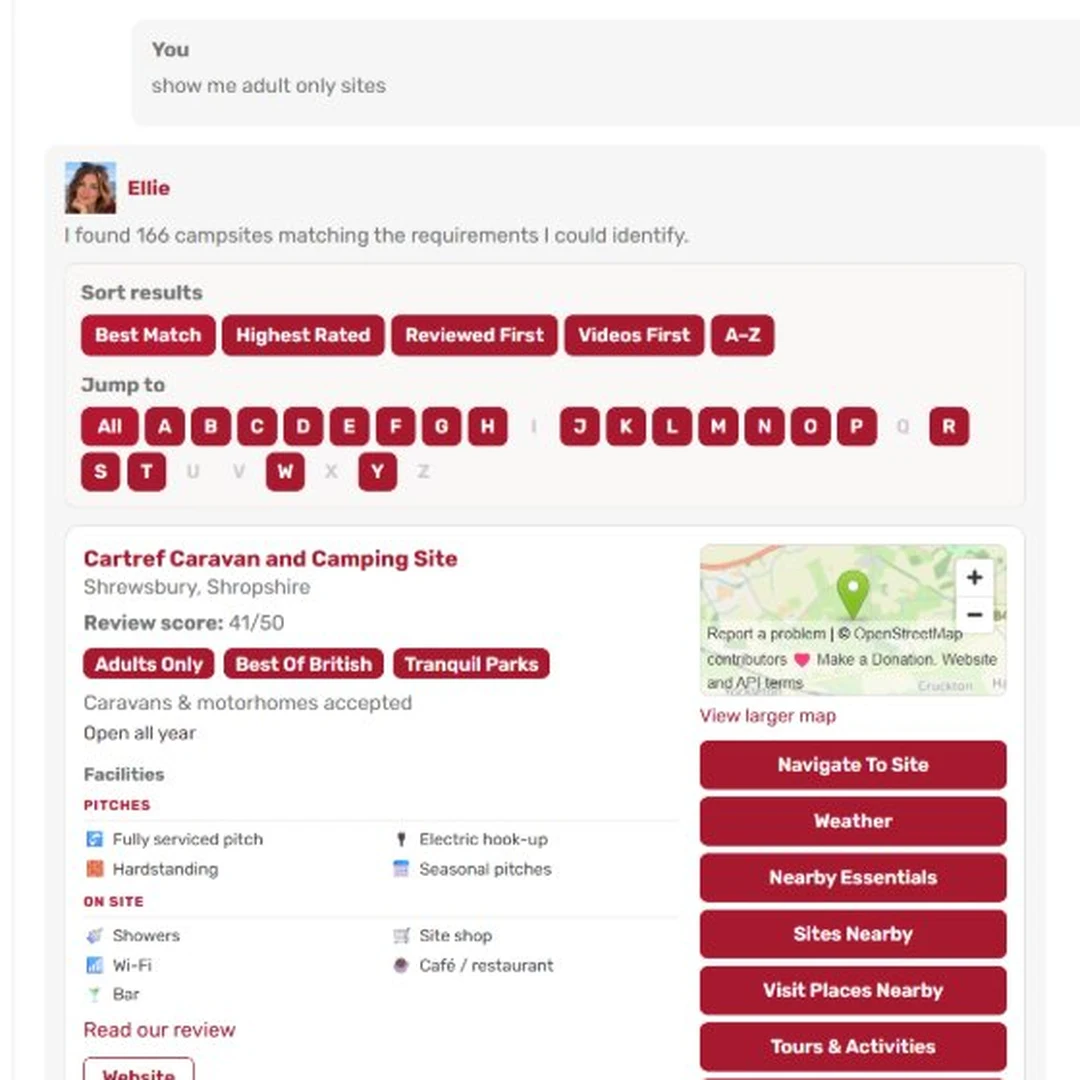
Each card also shows facilities, opening months, outfit length, our review score, Hall of Fame sites, videos, a map and the website.
Ask Ellie
Tap Navigate to site, check the 3-day Weather, find Nearby Essentials, see Sites Nearby or Calculate Holiday Costs.
Ask Ellie
Sort long lists by best match, highest rated, reviewed first, videos first or A–Z. You can also jump to a letter.
Ask Ellie
Tick Compare on two or three cards, then press Compare Sites to see scores, dogs, hook-up and more side by side.
Ask Ellie
Members can also save up to 20 campsites. Open ★ My shortlist, then use Share shortlist to send it to a friend.
Help Ellie improve by tapping 👍 or 👎 under an answer, or Report a correction on a card. Ellie is an AI assistant, so please check important details with the campsite before you travel.
Our Creator Hub brings together touring YouTubers we love. Each also has their own page with featured videos, playlists and a photo gallery. Every creator is also part of our free caravan membership, so look out for the Creator badge on their profiles.
Yes. It is completely free, and we never ask for card details. Instead, just join with your name, email and a password.
No. In fact, free caravan membership is for caravans, motorhomes and campervans. You are also welcome if you are still planning your first trip.
Nobody, until you choose to share it. If you do, only logged-in members can see it, never visitors. Your email, saved campsites and stays always stay private.
Trip Plans are trips you have planned with Ellie. Booked Stays are campsites you have actually booked, with your dates and booking reference. You can turn a trip plan into booked stays with one tap.
Yes. Free caravan membership works on phones, tablets and computers. Because your saves are kept on your account, you see the same list on every device.
Only three kinds. One confirms your email and one helps if you reset your password. The last tells you when a member shares a trip with you. Our newsletter is separate, however.
Our earliest members get a Founding Member badge on their profile. It is our way of saying thank you for joining us so early on.
Open My Adventures, then the My Account tab. Press Delete my account, type your password and confirm. Then everything is deleted straight away.
Still have a question? Ask Ellie, or have a look round the Community.
Join our free caravan membership today. Save campsites, plan trips with Ellie and meet other tourers.